





Can a VPN change your location? Yes, a VPN can easily change your location on an iPhone, but some users don’t prefer using it because of safety issues. So, how can you change your iPhone’s location without a VPN? There are several methods to change your iPhone’s location. Below, we have listed the three tested methods you can try this year.
Among these methods, we will also introduce the iAnyGo iOS App, which is used for changing the location on iPhone devices. If you don’t know much about this app, continue reading; you will find everything in this guide.
Does VPN allow me to Change Location?
Yes, a VPN allows you to change your current location within seconds. This is one of the primary reasons people use VPNs. To change your location, simply download a reliable VPN, connect to a remote server, and your IP address will be changed. By using a VPN, you can effortlessly change your phone location to another country.
How to Change iPhone Location without VPN
Are you wondering how to change your iPhone location without a VPN? Well, it is simple. You can use three different methods, including a location spoofing app, Cydia, and xCode, to change your phone’s location. Some of these methods do have limitations, which we will read below.
Method 1: Use iAnyGo iOS App to Change iPhone Location (Recommended)
If you want to change the location on your iPhone device, then using a mobile application would be the best option. For that, you can use the iAnyGo iOS app. The latest version of this app now supports iOS 17.2 and above, so you can easily change the location on your iPhone or iPad.
The iAnyGo iOS app for iPhone doesn’t require jailbreaking, so you don’t have to worry about anything. Moreover, it works with all the popular location-changing applications. You can also use this app to fake locations on different apps, including WhatsApp, Snapchat Map, Tinder, Happn and Facebook.
Similar: All you need to know about Virtual Private Network (VPN) service providers
Steps to Change iPhone Location without VPN

Here are three simple steps for changing your location on an iPhone using the iAnyGo iOS app.
Step 1: Go to the iAnyGo website and download the iAnyGo iOS app using the iAnyGo iOS assistant. Remember that the iOS version is only available for paid users, so you must complete the payment process to get the app. Once you have purchased the app, you will get the installation link via email. Click here to get started.
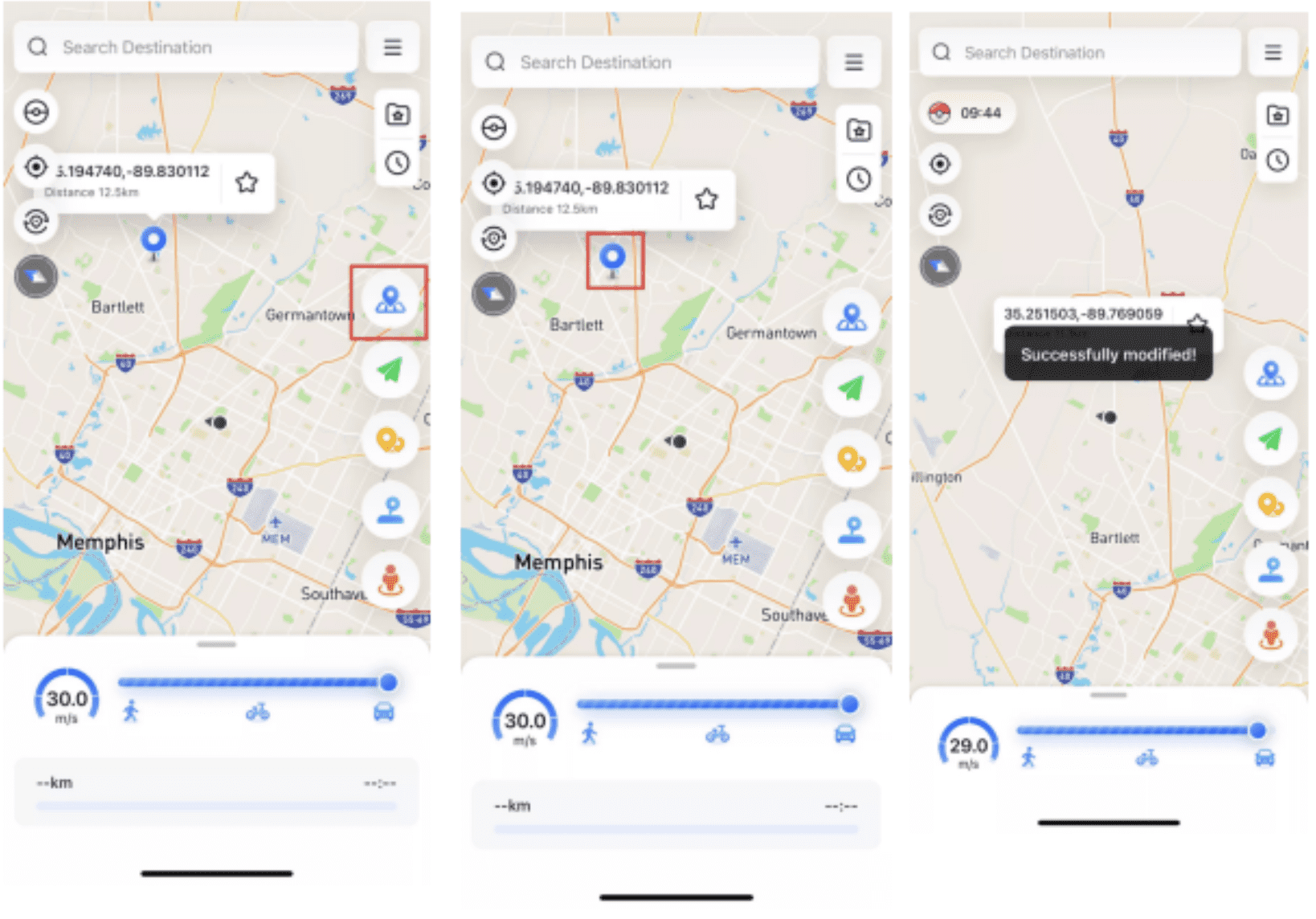
Step 2: Once you have launched the app, select the location on your map. You can use the search option to find the location. Once you have selected the right coordinates, choose the “Change Location” option at the bottom right corner.
Step 3: After clicking the “Change Location” option, your location will be updated within seconds.
By following these simple steps, you can easily change your location on your iPhone.
Method 2: Use Cydia to Change iPhone Location
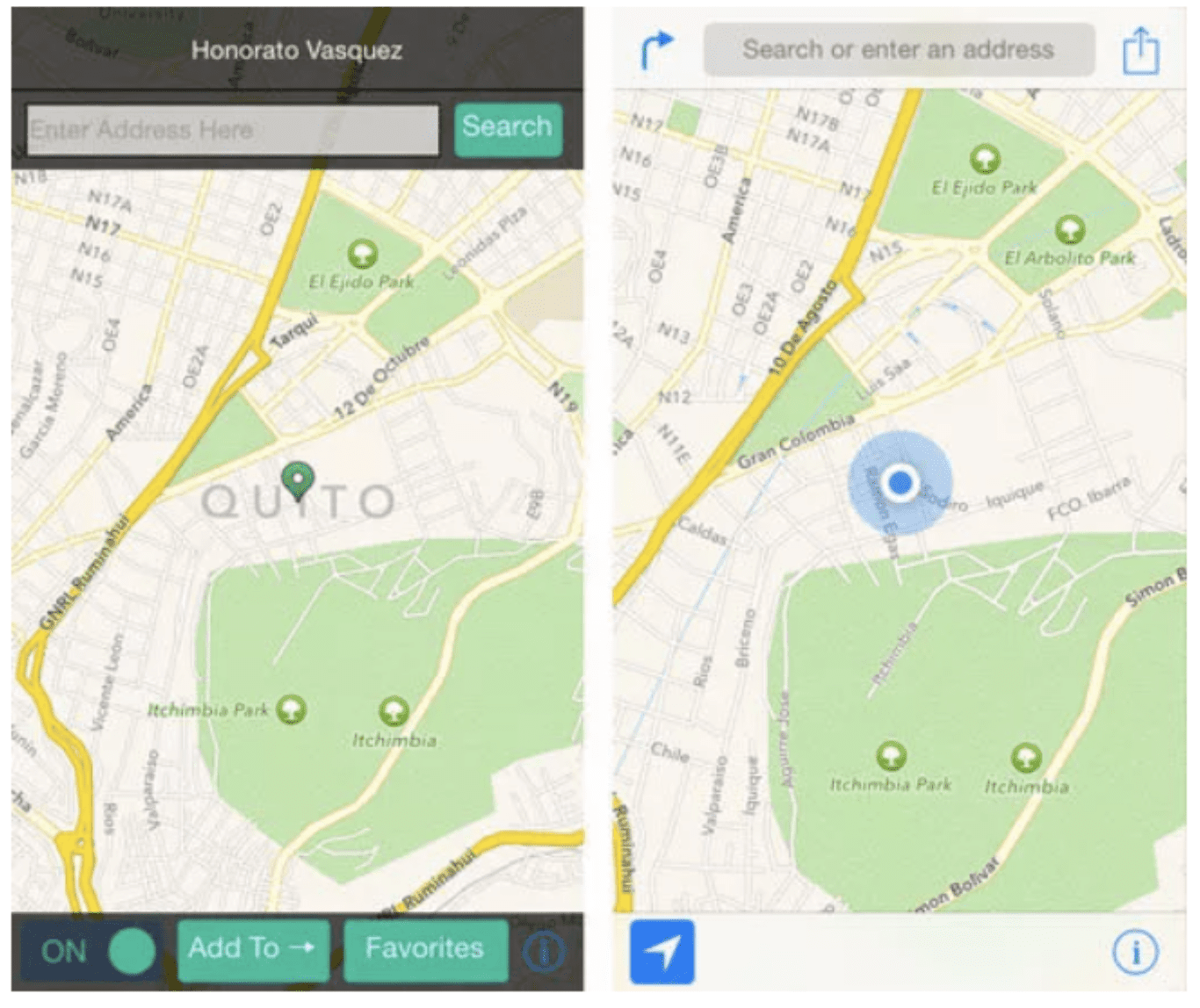
If you don’t want to use the location spoofing app, try the Cydia app to change the iPhone location. It is not a complex method, but it has some limitations. But overall, this method works for your iPhone devices. Here is how you can try Cydia’s third-party app to change your iPhone location.
- First, download the jailbreak tool on your iPhone to install the Cydia application.
- Once you jailbreak your iPhone, you will be asked to download the “Location Faker.”
- Now, open Cydia and look for the location-changing option. You can easily set the fake coordinates using this app.
- Again, run the “Location Faker” and begin to change your location by pointing to the fake coordinates.
Limitations:
- The only disadvantage of using this app is that you have to jailbreak your device to use it.
- Also, the app is not safe for iPhone devices
Method 3: Use Xcode to Change iPhone Location
How to change your phone location to another country? The last method that you can use to spoof your location is via the Xcode developer tool. For this method, you must create a custom iOS application and install the app on your device using Xcode’s tools.
However, it is a technical method and a bit complex compared to other techniques. But if you want to try advanced location features, this app will work for you.
FAQs
1. Can I Set My iPhone to a Different Location?
Yes, you can set your iPhone location to a different one using various methods, including a location spoofing app like the iAnyGo iOS app. This app is specially designed to change location on an iPhone without a computer.
2. How to Change IP Address Location on iPhone?
If you want to change your IP address on your iPhone, you can use a VPN. The method involves downloading the VPN app, choosing a server location, connecting to the VPN, and verifying the IP address.
3. How do I change my location on my iPhone without them knowing?
You can download a location-changing app on the target device, such as the iAnyGo iOS app. This app will run in the background, so you can easily spoof location on your iPhone without anyone knowing.
4. Does resetting an iPhone change the IP address?
No, resetting your iPhone does not affect your IP address. To change it, you can either manually adjust your private IP address within your local network or use a VPN to change your public IP address.
Final Words
In conclusion, changing your iPhone location without a VPN is entirely possible and can be done effectively using the right tools. We hope this guide has been helpful, and we encourage you to try the iAnyGo iOS App for a seamless and secure location-changing experience.
