





As a designer, you face the challenge of delivering visually striking and user-focused designs while managing multiple projects, tight deadlines, and continuous feedback loops. Maintaining creativity and productivity in this fast-paced setting can be tough.
However, by employing effective time management techniques, you can navigate your workload without sacrificing quality.
This article offers practical tips and real-life examples to assist designers in handling busy schedules and achieving outstanding results.
1. Master Prioritization with a Design-Centric Lens
Design projects often come with overlapping deadlines, making effective time management crucial. To handle this challenge, begin by prioritizing your tasks based on their urgency and impact, using a method like the Eisenhower Matrix:
- Important and Urgent: These are tasks such as delivering a finalized prototype for an ongoing sprint.
- Important but Not Urgent: This category includes research for an upcoming design system update that’s essential in the long run.
- Urgent but Not Important: Tasks like addressing minor bug fixes or making quick design adjustments to a live product fall into this group.
By structuring your work in this manner, you can concentrate on what truly counts and stay on course. For instance, if you’re juggling a logo redesign for one client while also developing a mobile app prototype for another, make it a priority to tackle tasks that need client approval or are crucial to the development timeline. Utilizing tools like Notion or Monday.com can assist you in breaking down projects into manageable steps and setting deadlines.
2. Embrace Agile Design Workflows
Using agile methods can change how you do design work. A Kanban board helps you see your tasks and track your progress. Organizing tasks into stages like “To Do,” “In Progress,” and “Completed” keeps you focused.
For example, if you are updating the user interface for an e-commerce app, you can use tools like Trello to outline your steps. Create cards for stages such as user research, wireframing, and usability testing, and update them as you complete tasks.

3. Block Time for Deep Design Work
Staying focused is crucial for creative work, but constant interruptions can throw you off track. One effective strategy to maintain your focus is time-blocking. By setting aside specific hours for focused design tasks, feedback sessions, or client meetings, you can create a more productive environment.
For instance, consider dedicating your mornings to crafting high-fidelity wireframes or illustrations, as this is often when you’re at your most creative. Save your afternoons for feedback discussions or administrative duties. You can use tools like Google Calendar or Clockify to help you stick to your schedule and make the most of your time.
4. Automate and Streamline Repetitive Tasks
Repetition in design—such as adjusting asset sizes or crafting variations—can be quite labour-intensive. However, employing automation tools and leveraging reusable design systems can greatly streamline these processes.
- Take advantage of Figma’s Auto Layout to rapidly develop flexible components.
- Make use of design libraries for ready-made assets, including pre-designed buttons and icon sets.
For example, if you’re working on a series of web banners, setting up a responsive design system in Figma lets you easily duplicate and tweak templates, saving you the effort of starting from scratch each time.
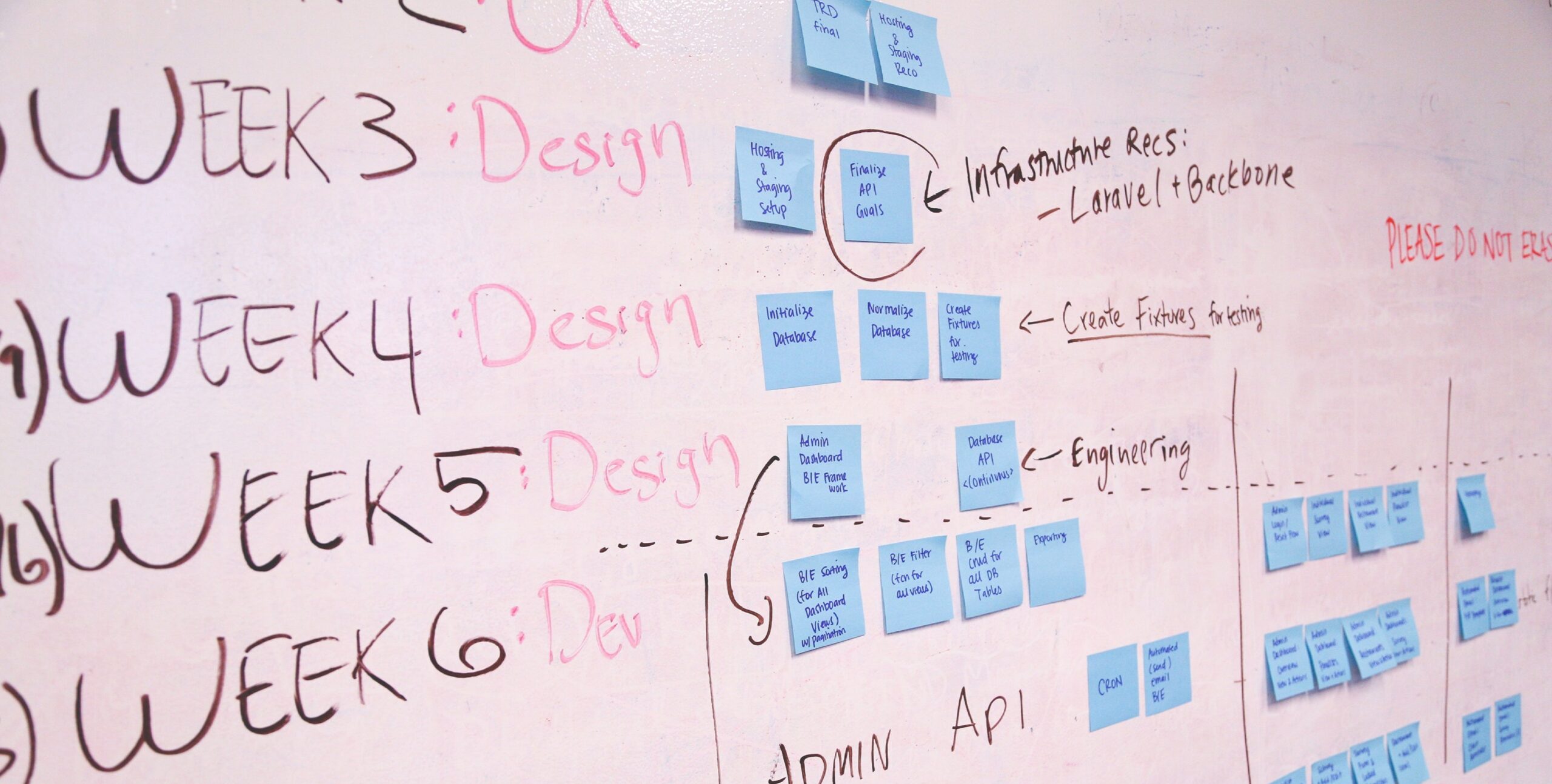
5. Effective Communication and Collaboration
Effective communication is crucial when juggling multiple projects:
- Client Communication: At the start of the project, it’s important to clearly outline timelines, milestones, and expectations. Keep stakeholders in the loop with regular updates through email or collaboration tools like Slack.
- Team Collaboration: To avoid confusion, centralize feedback. Utilize platforms such as Figma or InVision, allowing team members to leave comments directly on designs, which minimizes unnecessary back-and-forth discussions.
Example: Imagine you’re working on a dashboard design for a SaaS platform while collaborating with a development team. By sharing annotated wireframes on Figma and inviting developers to add their comments directly, you can simplify the feedback process and enhance efficiency.
6. Monitor Your Workload and Avoid Overcommitting
It’s easy to get drawn into every exciting project that comes your way, but taking on too much can lead to burnout. Consider using time management tools like Toggl to monitor how your hours are spent on various tasks. This information can empower you to set more realistic deadlines or politely decline new opportunities when necessary.
For example, a freelance designer on platforms like Fiverr or Upwork may juggle different projects, from branding to UI/UX. By keeping track of the time dedicated to each task, they can identify when it’s time to push back delivery dates or turn down new requests to maintain a healthy workload.

7. Iterate with Feedback Cycles
Rather than waiting to present a polished final product, consider breaking your workflow into iterative stages:
- Start by sharing rough wireframes to gather initial feedback.
- Next, present a semi-polished prototype for usability testing.
- Finally, refine the details once you have client approval.
For example, when redesigning an e-commerce site, begin with low-fidelity wireframes to validate the layout before moving on to the UI design. This approach helps reduce the chance of major rework later on and keeps the project moving forward steadily.
8. Optimize Your Workspace
A cluttered workspace—whether physical or digital—can really hold you back.
- Keep your design files organized by establishing clear folder structures and using consistent naming conventions (for example, “ProjectName_Version1”).
- Tidy up your tools, too. For instance, you can declutter your Figma dashboard by archiving projects you no longer use.
As an example, if you’re tackling a branding project that involves multiple deliverables like a logo, banners, and a style guide, create separate folders for each deliverable, along with subfolders for their various iterations.

9. Build-in Buffers for Creative Flexibility
Design work often involves a process of trial and error. It’s wise to build some buffer time into your schedule to accommodate any unexpected revisions or delays. For example, if a project is due on Friday, aim to wrap it up by Wednesday, so you have room for any last-minute adjustments.
Take, for instance, designing a mobile app UI for a startup; setting aside an extra day can be beneficial for handling unexpected feedback from stakeholders or conducting usability testing.
10. Keep Evolving and Learning
Keeping up with the latest tools and techniques can help you streamline your workflow and boost your productivity.
- Dive into the advanced features of programs like Adobe XD or Framer.
- Find inspiration by engaging with design communities on platforms like Dribbble or Behance.
Example: A designer managing branding and UI projects can benefit from learning motion design through tools like After Effects, enabling them to add animated prototypes to their portfolio.

To Wrap Up
Juggling multiple design projects while facing tight deadlines can be quite daunting. However, with effective time management, you can boost both your productivity and creativity. Whether it’s incorporating agile workflows, automating routine tasks, or allowing extra time for unexpected changes, the right approach will enable you to produce high-quality designs without feeling overwhelmed.
Keep in mind that time management is a skill that develops with experience. Start by trying out these strategies, fine-tune them based on what suits you best, and watch your design practice flourish.
About the author: Joel Owolabi
Joel Owolabi brings years of expertise in brand identity and product design, with a proven track record of delivering impactful results across diverse projects.
Specializing in crafting user interfaces for mobile and desktop applications, Joel has consistently collaborated with Product Managers and cross-functional design teams to conceptualize and implement innovative, problem-solving solutions.
His contributions have played a pivotal role in developing distinctive and effective products that meet user needs and elevate brand experiences.
Read also: Here are 4 key Time Management Strategies Every African Entrepreneur must Adopt
