


Google has launched Google Wallet and Google Pay in Nigeria, allowing Android and Wear OS users to pay with a tap in stores, in apps and online. The company announced the rollout on its Africa blog and official X account.
Users can add supported cards from participating financial institutions and pay at contactless terminals without reaching for a physical card. Google Wallet also stores loyalty cards, event tickets and boarding passes in one place.
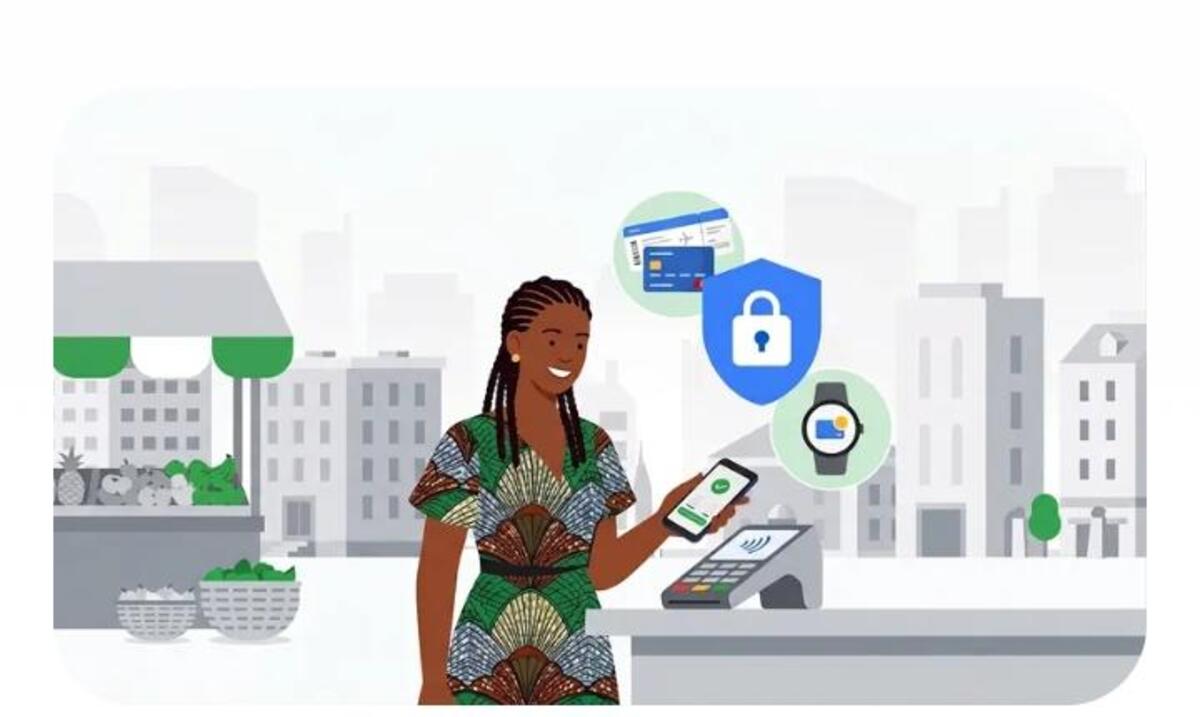
According to the company, Google Pay protects financial data with multiple layers of security and industry-standard encryption. If a phone is lost or stolen, users can lock it, set a new password or wipe personal data through Find My Device.
Which banks and cards are supported on Google Pay?
Google’s support page lists four banks: FirstBank, Guaranty Trust Bank (GTBank), United Bank for Africa (UBA) and Zenith Bank, according to reports by BusinessDay and THEWILL. Support differs by card type.
FirstBank Mastercard debit cards are eligible, while GTBank supports Mastercard debit and prepaid cards. Zenith Bank supports Mastercard credit, debit and prepaid cards. UBA supports Mastercard credit, debit and prepaid cards, plus Visa prepaid cards.
Also read: Interswitch teams up with Google Pay to transform digital payments in Nigeria
UBA said it has enabled Google Pay for eligible Visa and Mastercard users.
“Digital payment in Nigeria is growing fast, and customers expect more ways to pay,” said Alero Ladipo, the bank’s Group Head of Brands, Marketing and Corporate Communications.
Guaranty Trust Holding Company Plc (GTCO) said its payments firm, HabariPay, also enabled the service for merchants on its Squad gateway.
How to get started
You need an Android phone with near-field communication (NFC) for tap-to-pay in stores. Then:
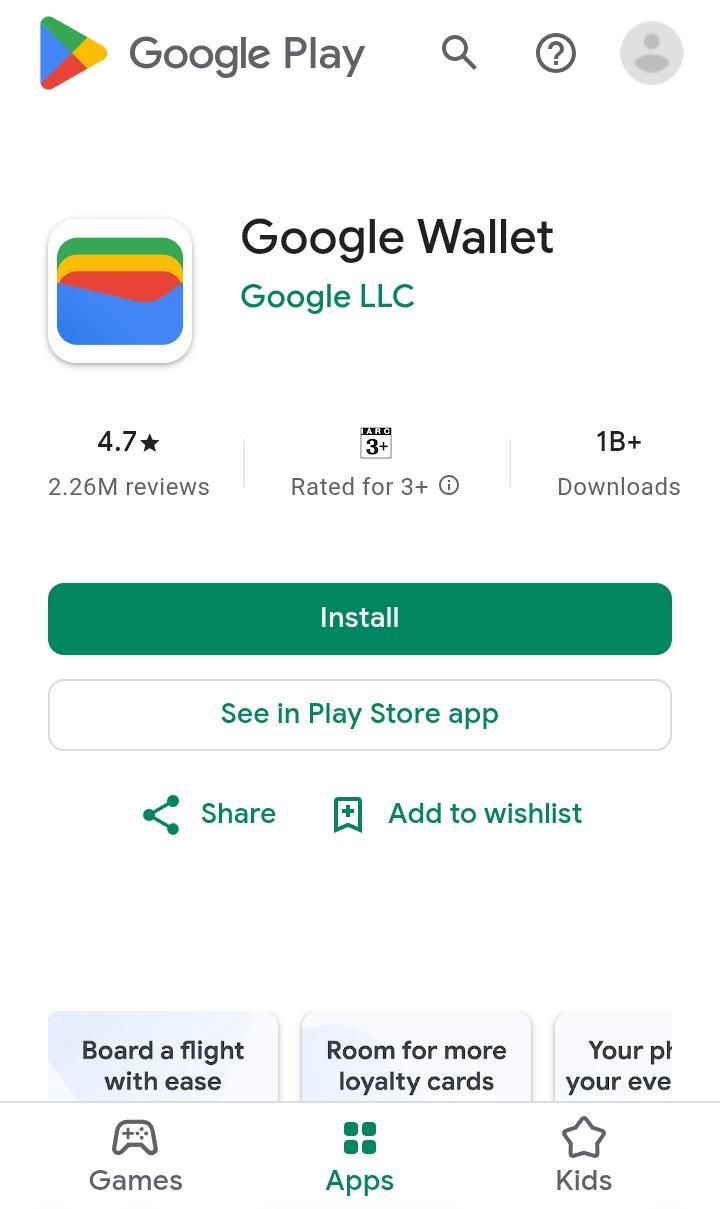
- Download the Google Wallet app from the Google Play Store.
- Tap “Add to Wallet” and choose a payment card.
- Enter or scan your card details and accept the terms.
- Verify the card with your bank when prompted.
- Hold the unlocked phone near a contactless terminal to pay, or select Google Pay at online checkout.
- Check your card’s eligibility with your bank before you start. Not every card from the four banks qualifies, and a merchant must accept contactless payments for tap-to-pay to work.
Also read: Payaza integrates with Google Pay and Apple Pay, targets $95B diaspora remittance
Why it matters
Apple Pay remains limited for Nigerians. A December 2025 report said Nomba’s terminals accept it, but local users could not add Naira-denominated Mastercard or Visa cards to Apple Wallet. Google Pay is the first major phone wallet to support local bank cards at launch.
