


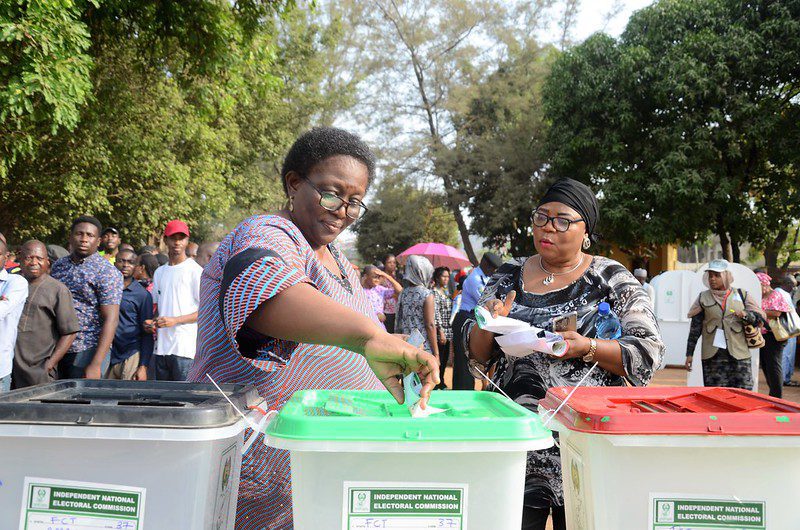


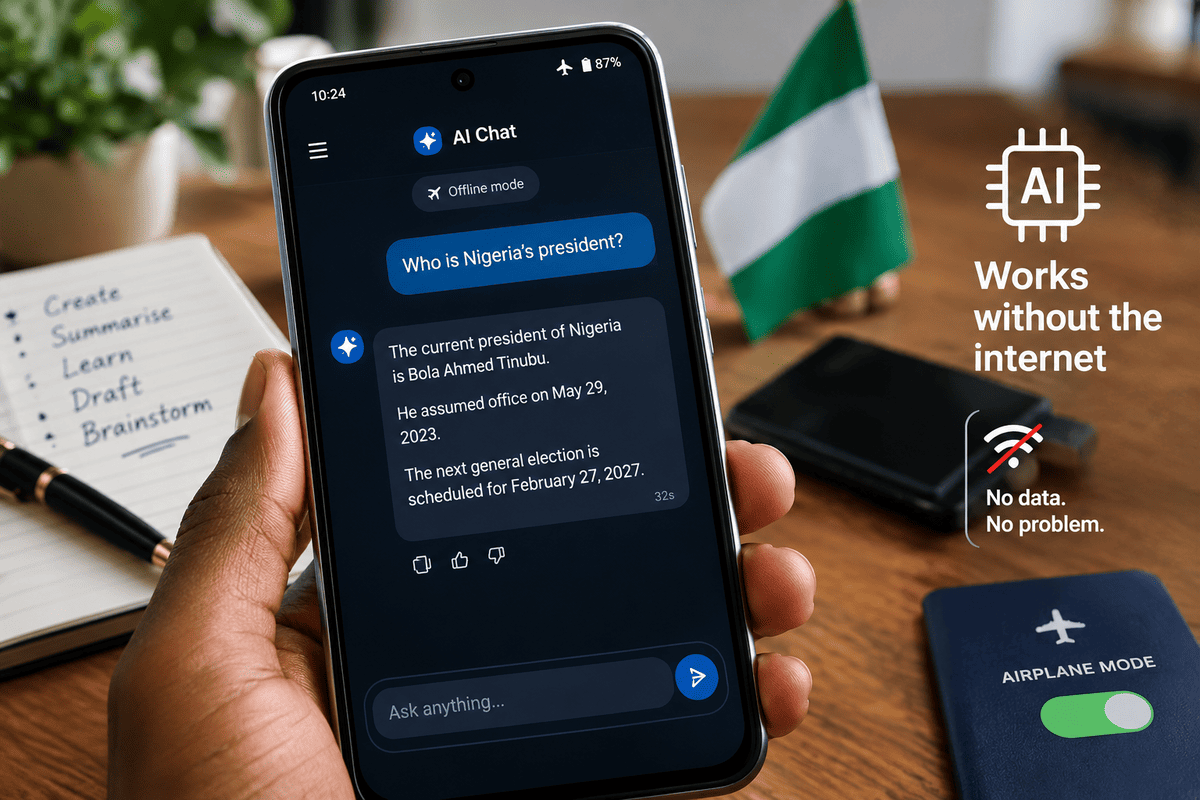
Switch off your data and wifi, then turn on your aeroplane mode, open an already installed AI app on your phone, and ask who Nigeria’s president is. It answers in 32 seconds confidently and gets the date wrong.
That was the result when Technext tested Google’s AI Edge Gallery on an Android phone with no network. Yes, AI can work without the internet, but only a smaller kind of AI, and users should understand its limits before relying on it.
How offline AI works
ChatGPT, Claude and Gemini run on remote servers, so they need an internet connection. Offline AI works differently. A compact model is downloaded once and stored on the device, which then does the processing itself.
The connection is needed only for the initial download and installation, and the model can run without it once installed.
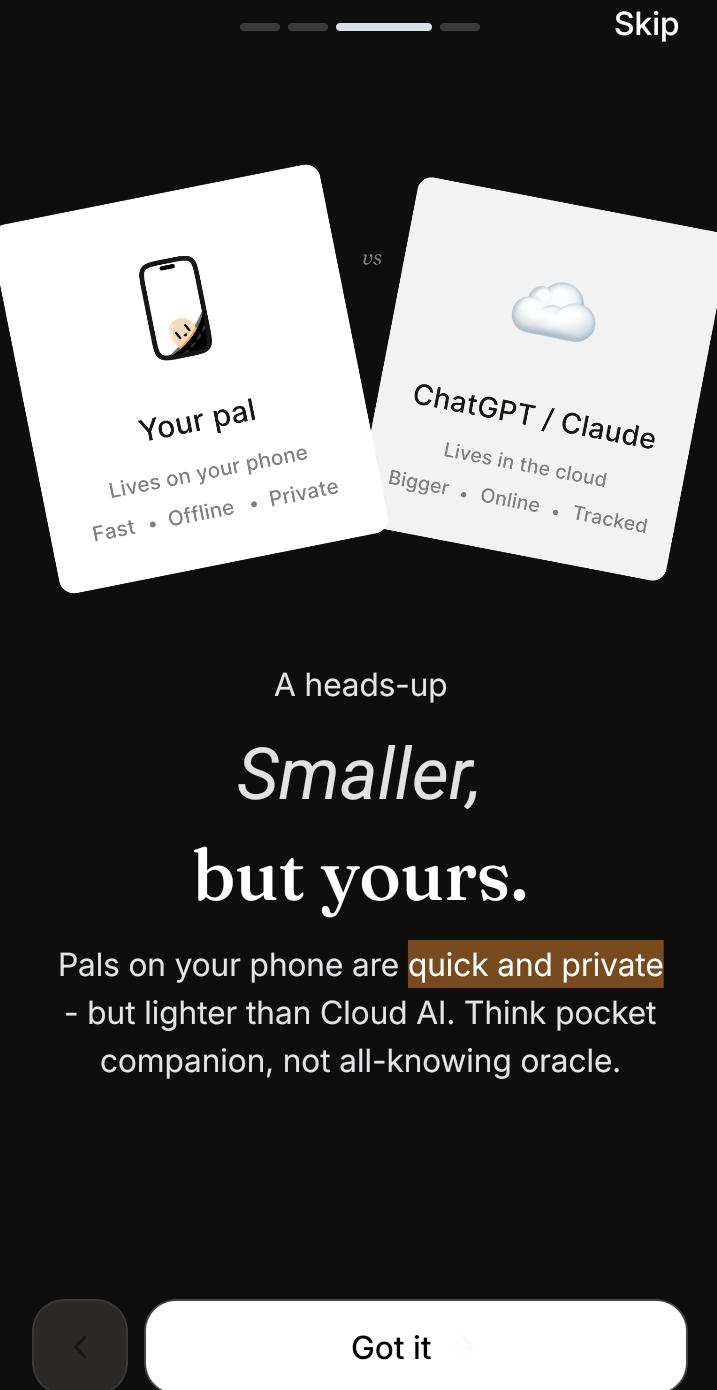
The trade-off is size. PocketPal AI says in its onboarding that models on your phone are quick and private but lighter than cloud AI, a “pocket companion, not all-knowing oracle”.
Read more: Search engines still get 19x more web traffic than AI chatbots, new report shows
What we tested on mobile
Technext tested two free apps on a phone with model number 25078RA3EA, running Android 16 with 4GB of RAM plus 4GB of extended memory. Both were used in aeroplane mode.
AI Edge Gallery is published by Research at Google and carries an early access label on Google Play. Its listing shows more than 1 million downloads and a 12+ rating. By Technext’s count, it offers 11 features, including AI Chat, Ask Image, Audio Scribe and Prompt Lab, and 16 models in total.
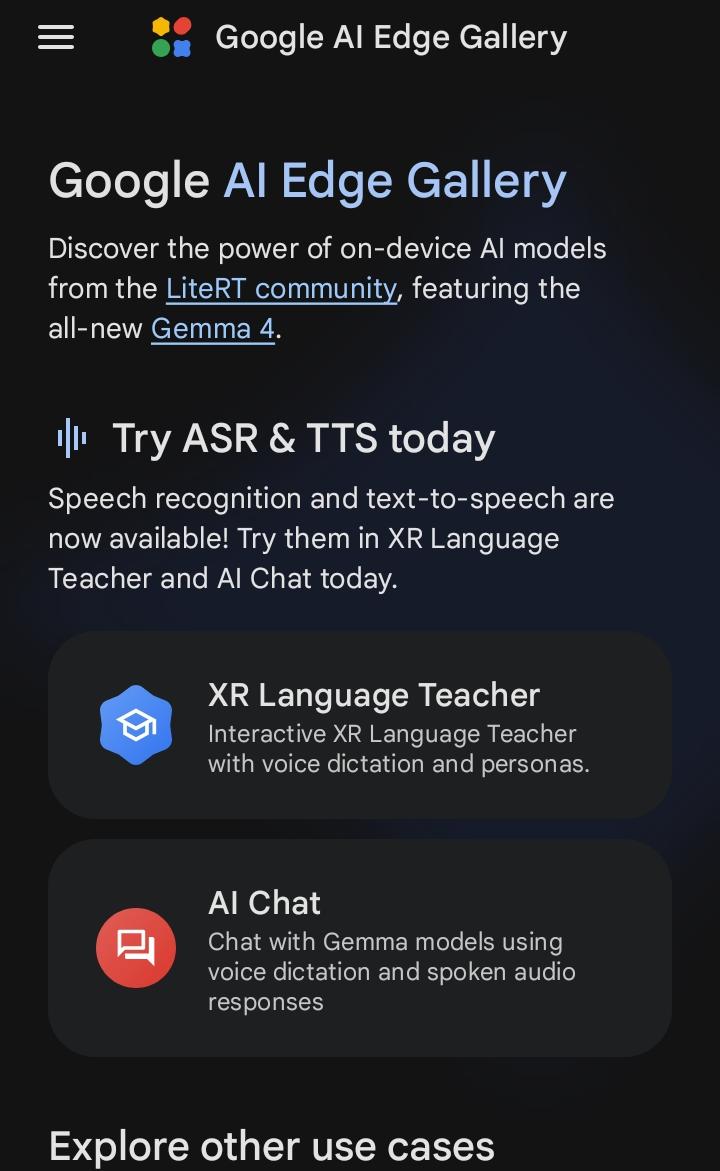
We tested AI Chat with its smallest model, Gemma3-1B-IT, a 584.4MB download. At Glo’s rate of ₦400 per 1GB, which Technext used, that is about ₦234 in data.
The phone lagged while the model ran. When asked to help generate copy, it responded sensibly, asking what the copy was for, who the audience was and what tone was wanted.
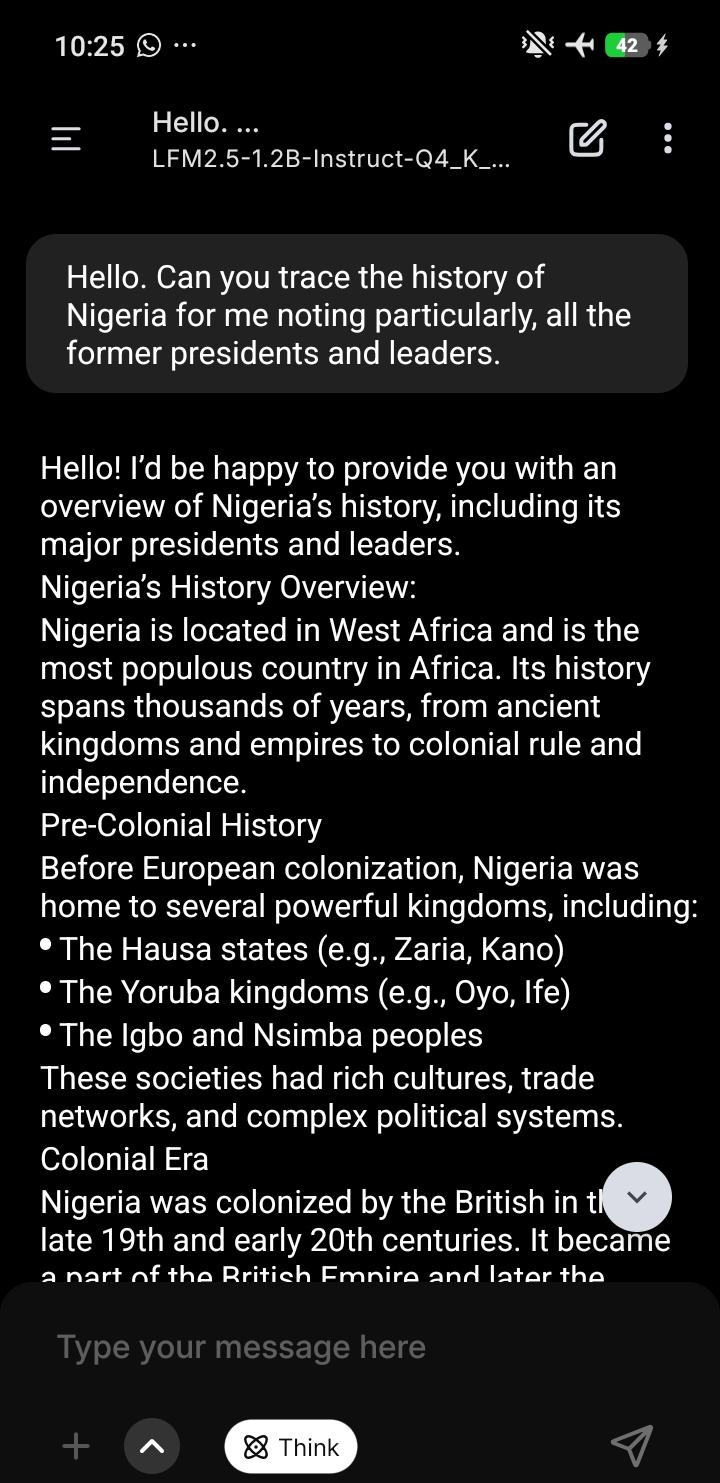
PocketPal AI also has more than 1 million downloads and a 3+ rating. It matched our phone with LFM2.5-1.2B-Instruct, a 730.9MB model, which costs about ₦292 to download at the same rate.
Asked to trace Nigeria’s history and its former leaders, it produced a structured overview that began with pre-colonial kingdoms such as the Hausa states and Yoruba kingdoms and also laid out a detailed account of all previous leaders.
Where it gets things wrong
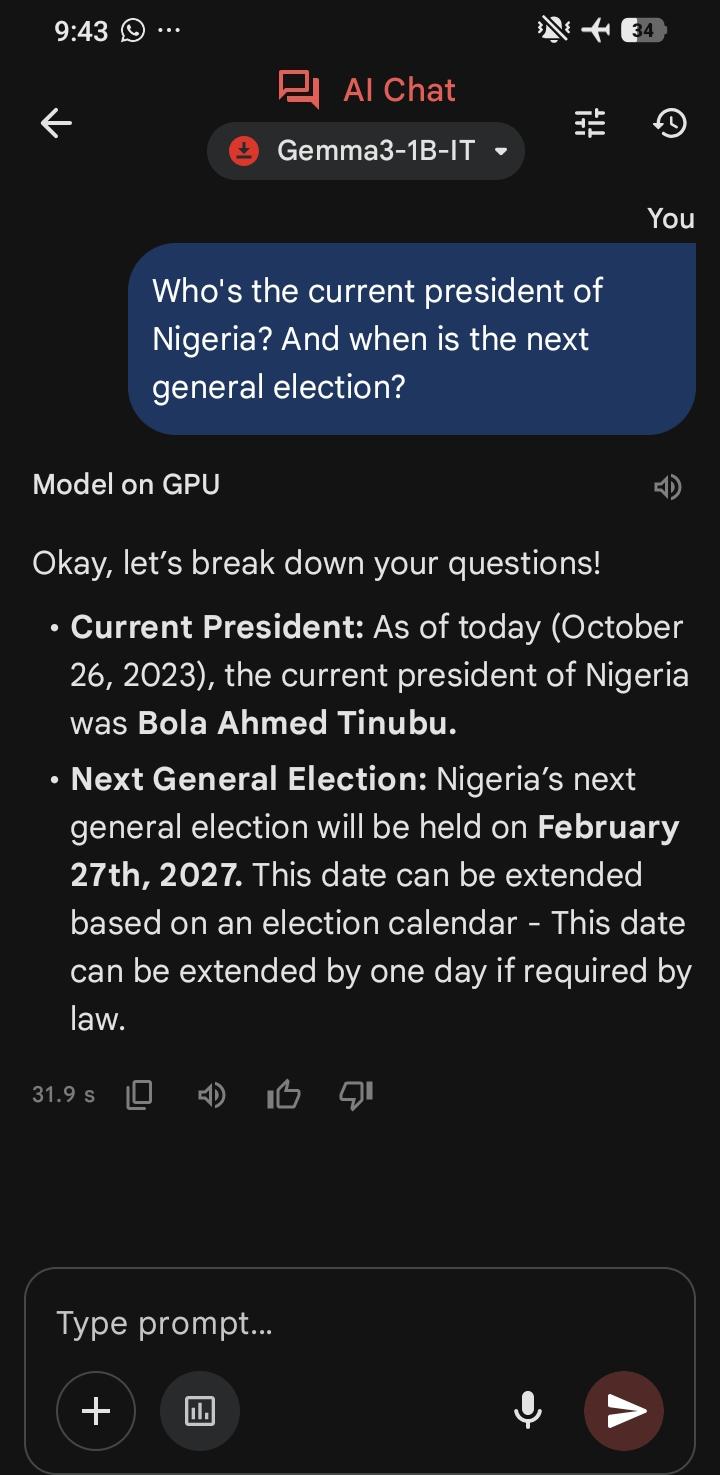
Meanwhile, when asked for the current president and the next general election date, Gemma (AI edge gallery) named Bola Tinubu but put today’s date at October 2023. It then gave the election date as February 27, 2027.
That is wrong. INEC revised the timetable, moving the presidential and National Assembly elections to January 16, 2027, after the Electoral Act 2026 was signed. The date the model gave matched neither that nor the earlier February 20 date.
The reason behind the mistake in dates is simple. An offline model knows only what it learned before it was built, and it cannot look anything up.
How to set up and use AI without internet on your phone and system
On your phone (Android)
- Connect to a stable network and make sure you have at least 2 GB of free storage.
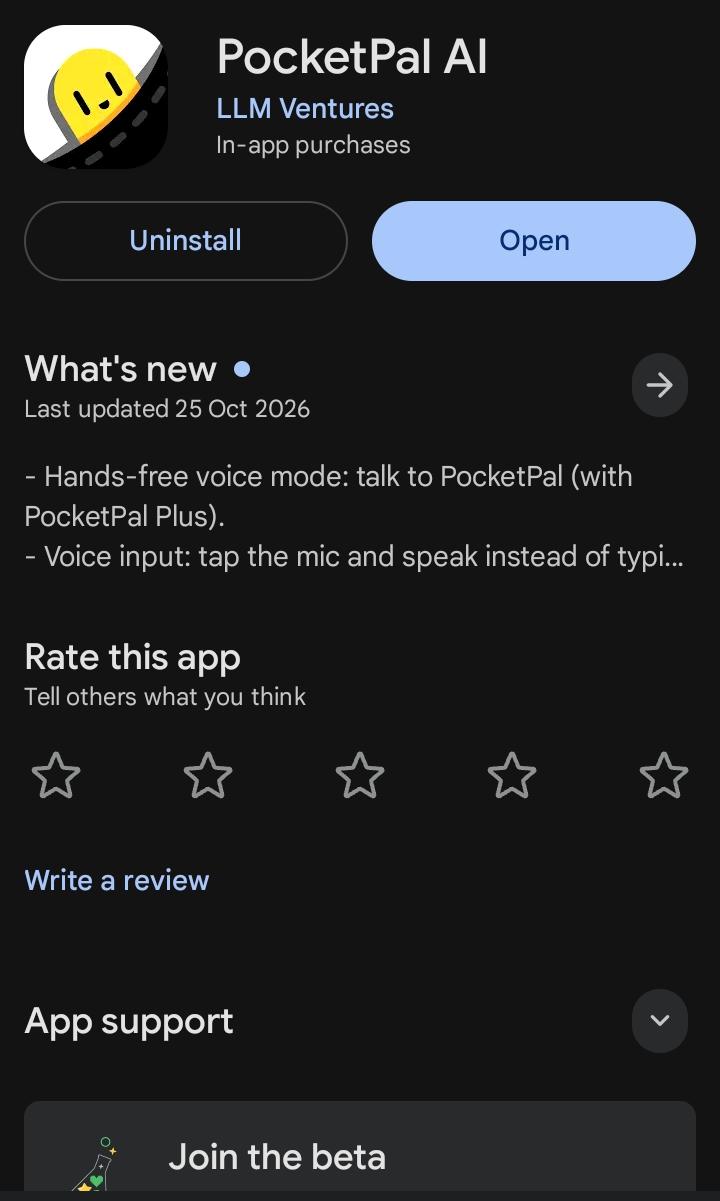
- Install AI Edge Gallery or PocketPal AI from Google Play.
- In AI Edge Gallery, open AI Chat and choose the smallest or desired model on the list. In PocketPal AI, pick Smart Chat or another specific type when it asks what your “pal” is for, and the app suggests a model that fits your phone.
- Download the model. This is the only step that uses data.
- Switch on aeroplane mode, then start chatting.
If the phone lags, close other background apps first, and try to create more space on your phone.
On a computer
Technext did not test the desktop version, so these steps come from the developer’s documentation and published guides.
- Check your machine. One guide gives 8GB of memory as the minimum, with 16GB recommended for smooth operation.
- Download LM Studio from lmstudio.ai. It is free for personal use and runs on macOS, Windows and Linux.
- Open the model browser. The shortcut is Ctrl + Shift + M on Windows and Linux, or Cmd + Shift + M on a Mac. The app shows estimated memory needs and warns if a model is too big for your machine.
- Download a model that fits. They are typically 2.5GB to 5GB each, far bigger than the phone models above, so expect a larger data bill.
- Disconnect from the internet and chat.
Ollama is another desktop option, but it is run through commands.
How best to use it
Offline AI suits drafting, rewriting, brainstorming, summarising text you paste in and practising for exams. It also has models for transcription, image explanation, translations, and even audio generation. Because the processing is local, data stays on your own computer, which helps with sensitive documents.
It is a poor choice for news, prices, election information or anything recent. Manually check any fact it gives you.
The honest answer, then, is that offline AI is a useful assistant for writing and learning when the network fails, but it is not a source of facts, especially recent ones.
Read also: 140 million Nigerians are offline despite internet access – GSMA
